
Training programmes that run themselves
A new person on the team, a new role or mandatory annual training. Until now, every time you had to assign courses by hand, send documents, track deadlines and remind those who were late. From now on CoFive does it by itself.
How it works
You set up a programme once by role, unit or group. You add courses, infodocks, news and practical steps with manager approval. You set the order and deadlines. From then on the system runs everything by itself.

What starts the next step
- A new employee in the system. The programme is assigned right away by role.
- An employee changes role. A new programme is assigned.
- The previous step is done. The next course or document opens.
- The manager approved the practice. The programme continues.
- Time to repeat. Mandatory training renews every 6, 12 or 24 months.
What happens automatically
- Reminders on the employee's phone until the step is done.
- A notice to the manager if someone is late or waiting for approval.
- A certificate after passing the knowledge check, and the result in the report.
- Certificate validity tracking, so nobody misses repeat training.
Example. A sales consultant's first week
On day one the employee gets the course "Company and values" on the phone. Once it is done, the "Work rules" open, to be read and confirmed. Then the manager watches the work with a customer and approves the practical step. After that the "Customer service standard" opens, and at the end of the week there is a knowledge check and a certificate. All this time the manager assigns nothing and reminds no one.
Want to see what your company's programme would look like?
Write to usMore news
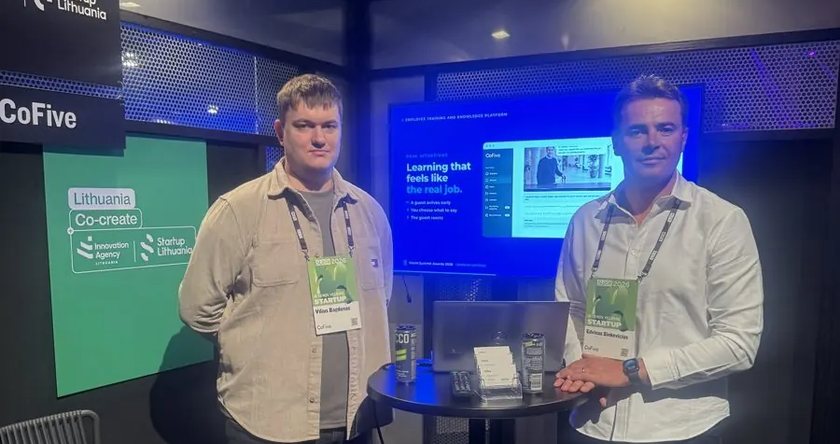 EventsCoFive at Slush 2026 in HelsinkiOn 18–19 November CoFive took part in Slush, one of the largest startup conferences in Europe, in the…Read →
 PartnershipNew partnership with Privacy Partners: data privacy and security in your employee trainingCoFive helps companies not only build their own training quickly but also gives access to professionally…Read →
 CourseNew CoFive course: Vilius Vėberis' training for restaurant staffA new course for restaurant staff is launching on CoFive. It was created by Vilius Vėberis, who spent 10…Read →
 PartnershipNew partnership: the Lithuanian Sommelier School joins CoFiveCoFive now offers the Lithuanian Sommelier School's digital course "Introduction to alcoholic beverages". It…Read →